This tutorial explains how to assign beds to individuals and families requiring housing using the AndGo application.
Go to app-test.andgocm.com #
1. Introduction #
You will learn to navigate the system, search for available beds and complete bed, room, or dwelling assignments efficiently.
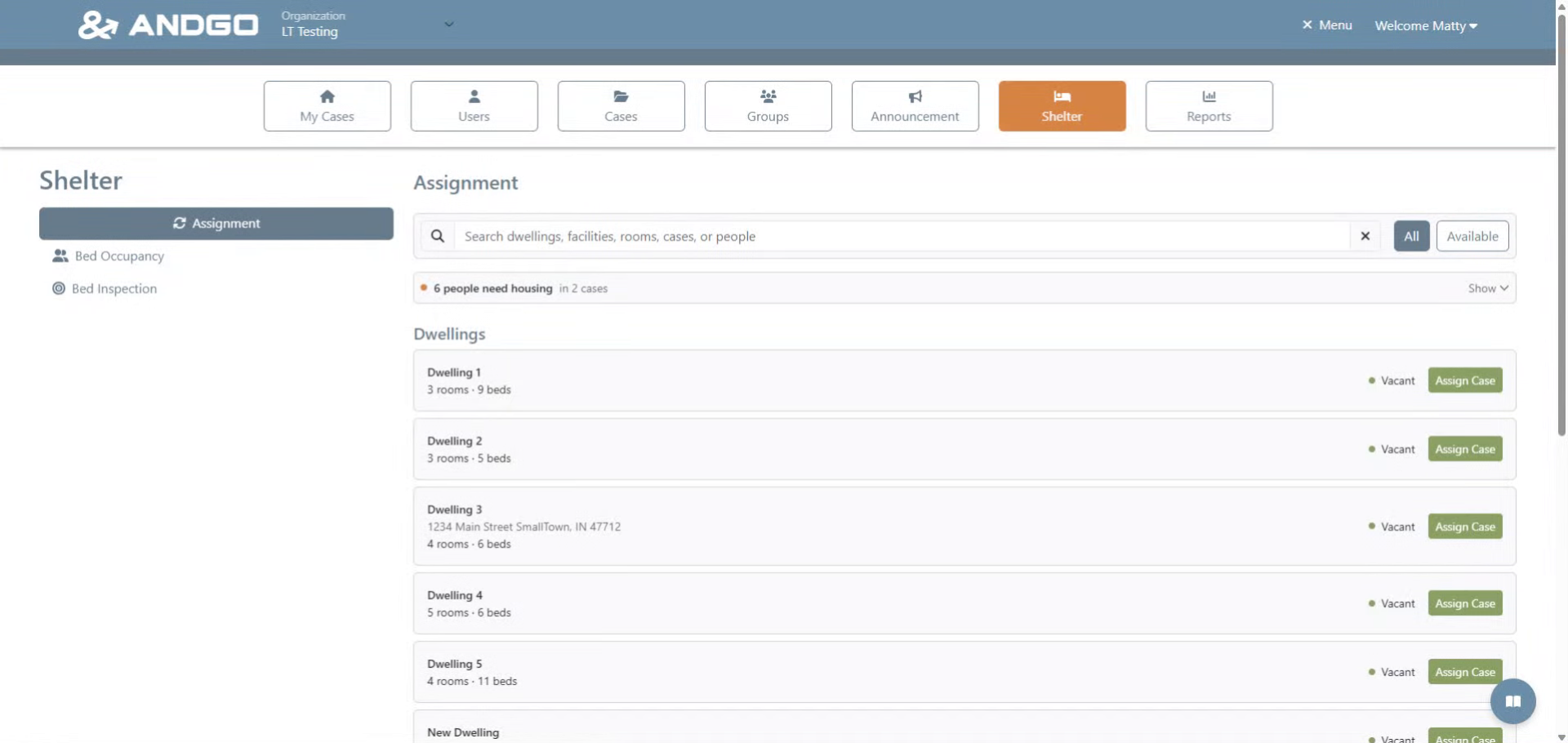
2. Access Housing Needs List #
Open the list of people currently requiring housing to begin the assignment process.
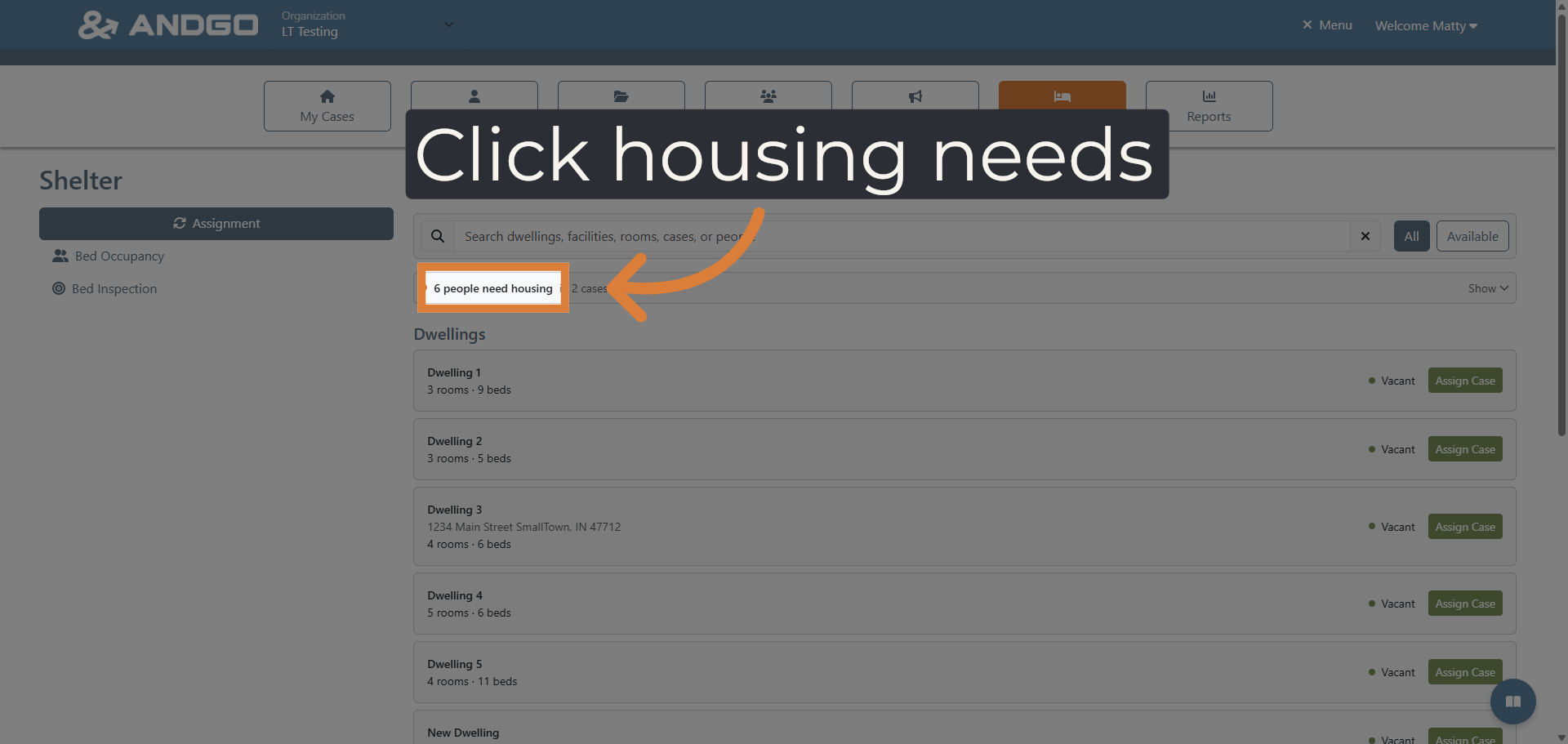
3. Open Bed Finder Tool #
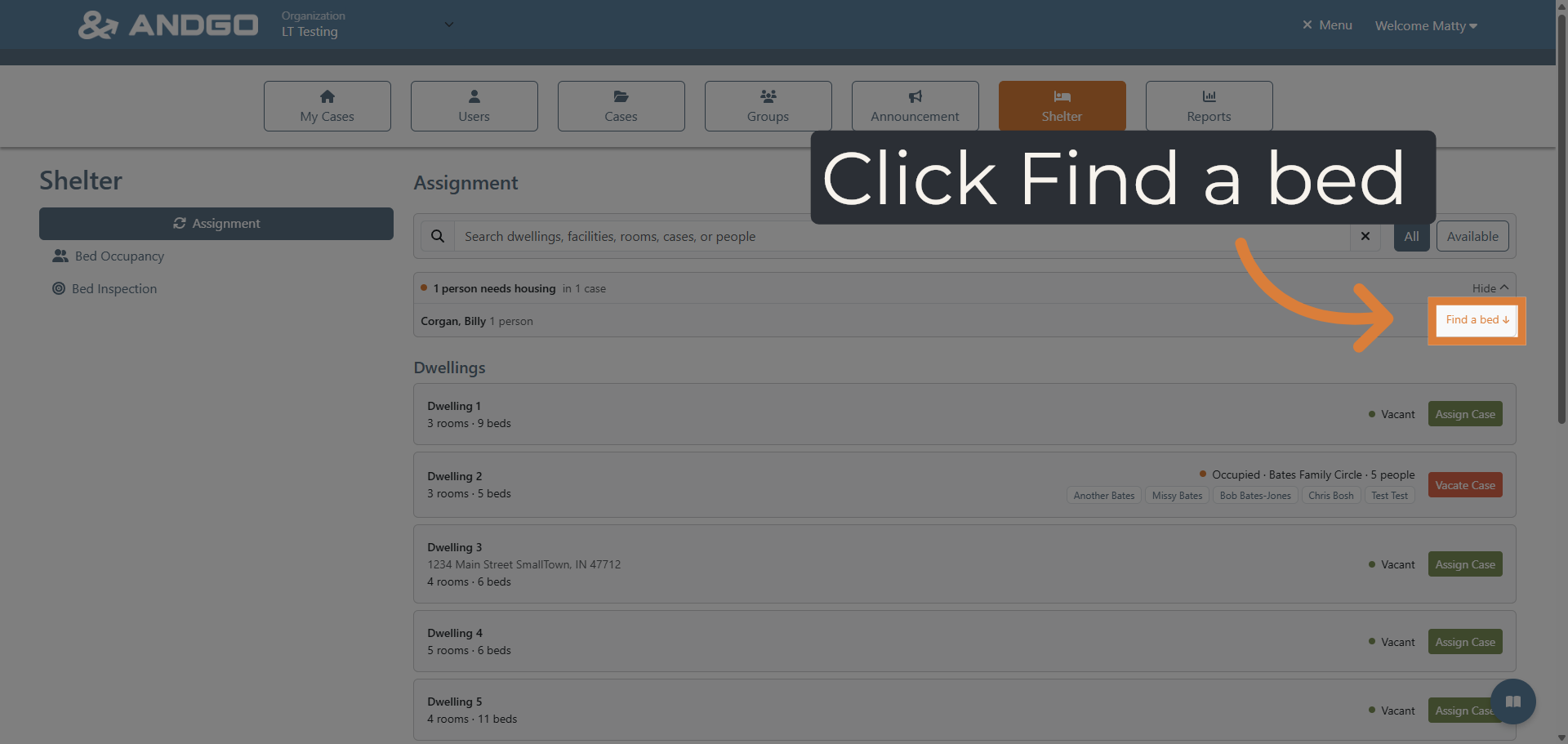
To the right of each family or individual needing housing you will see a link for Find a bed.
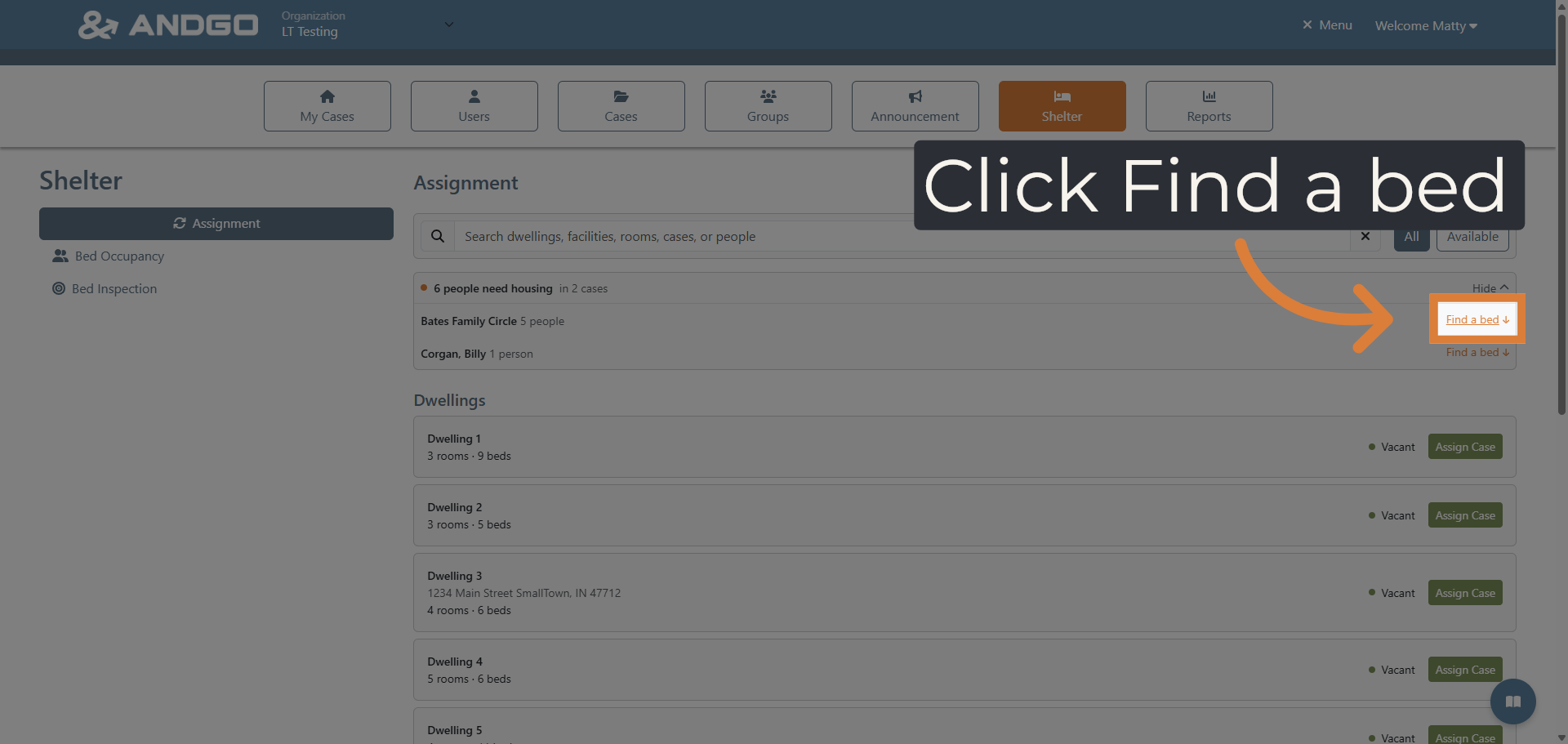
4. Select Dwelling Category #
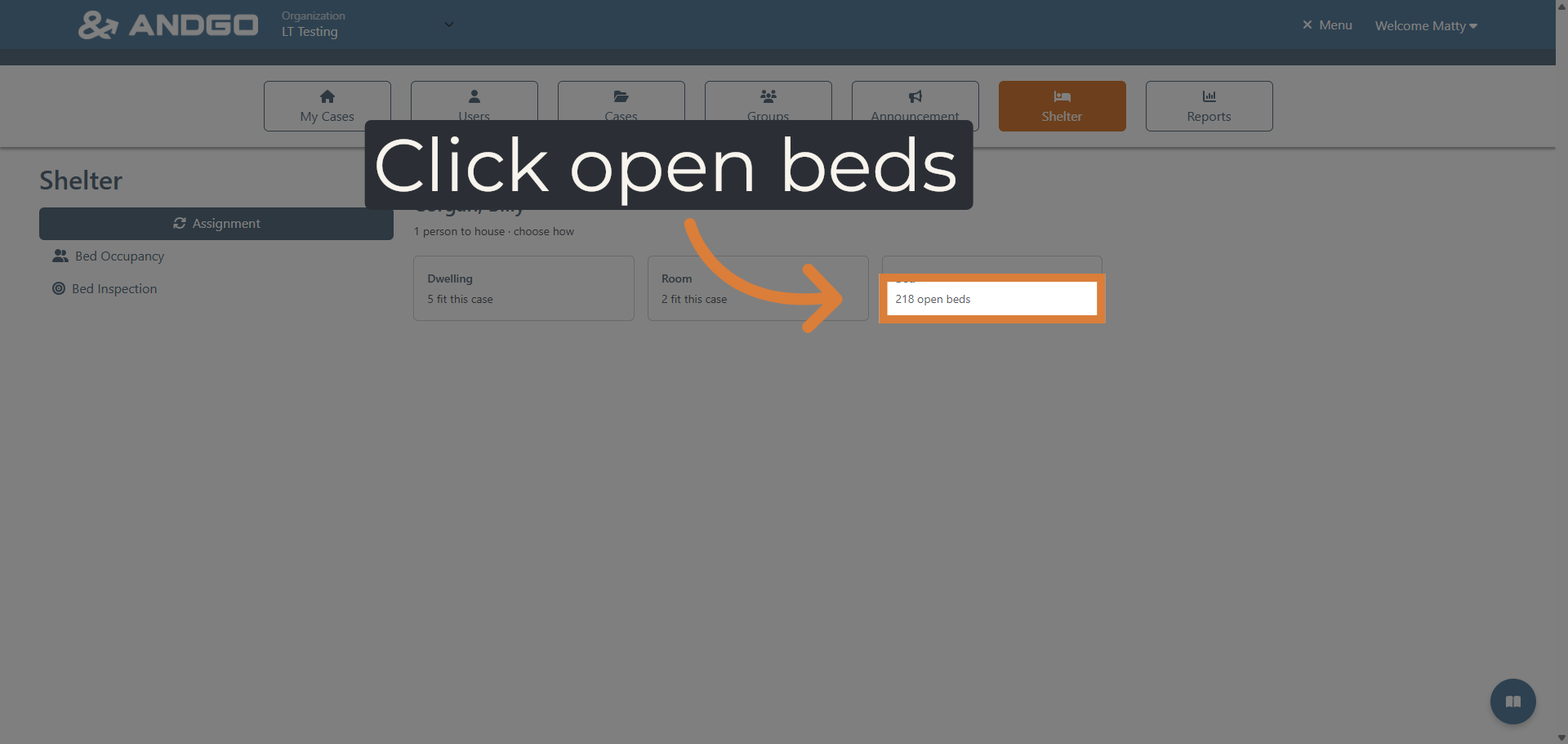
Now you will select what housing category you would like for your selection. You can Select Dwelling, Room, or Bed
5. Initiate Bed Assignment #
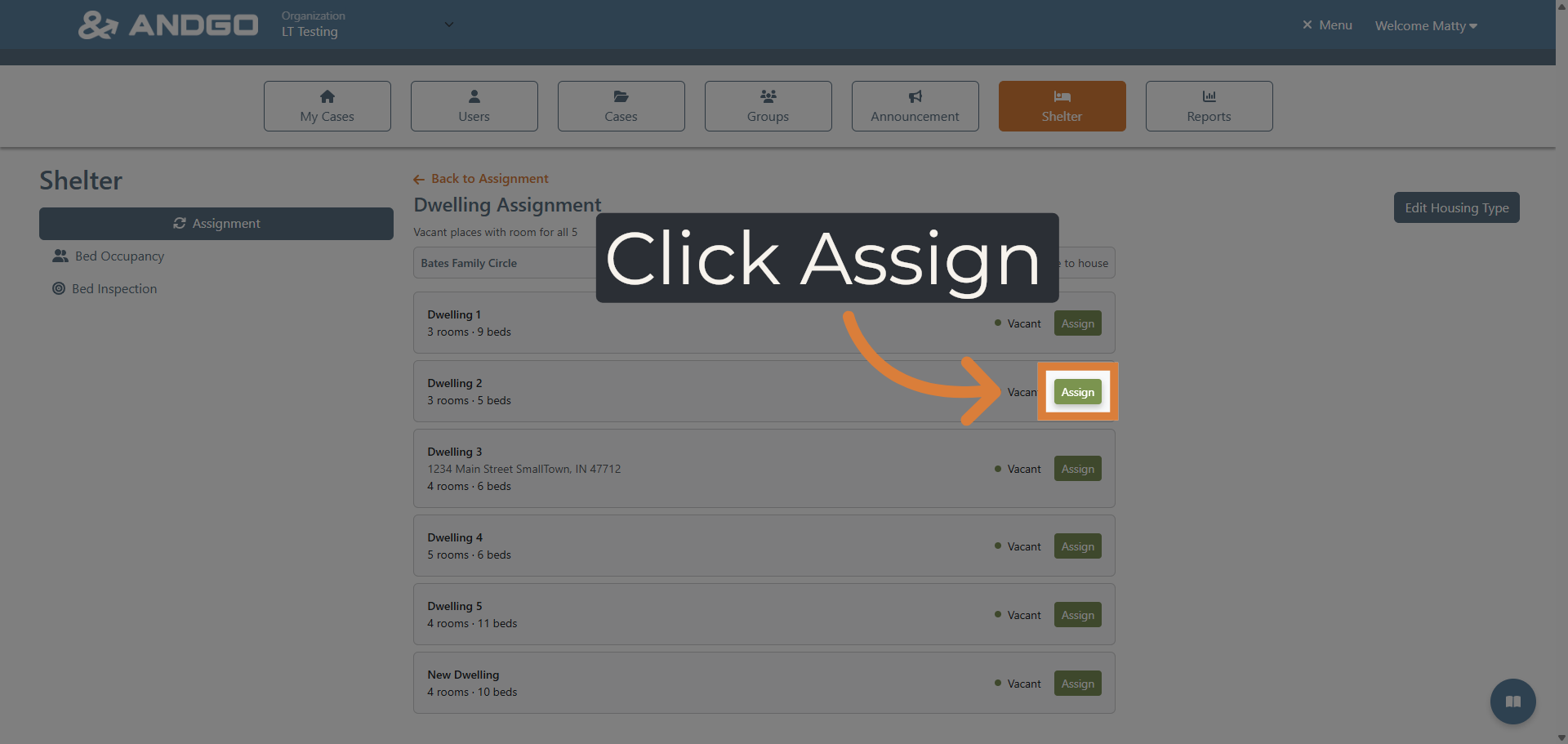
An only shows you assignments that fit the size of the group you are housing. Scroll through the list and then click the Assign button to place the entire family.
6. Choose Individual Record #
Now that we have seen how to place a family into a dwelling lets now place an individual into a bed.
7. View Available Beds #
Access the list of open beds to identify suitable options for assignment.
8. Manage Bed Inventory #
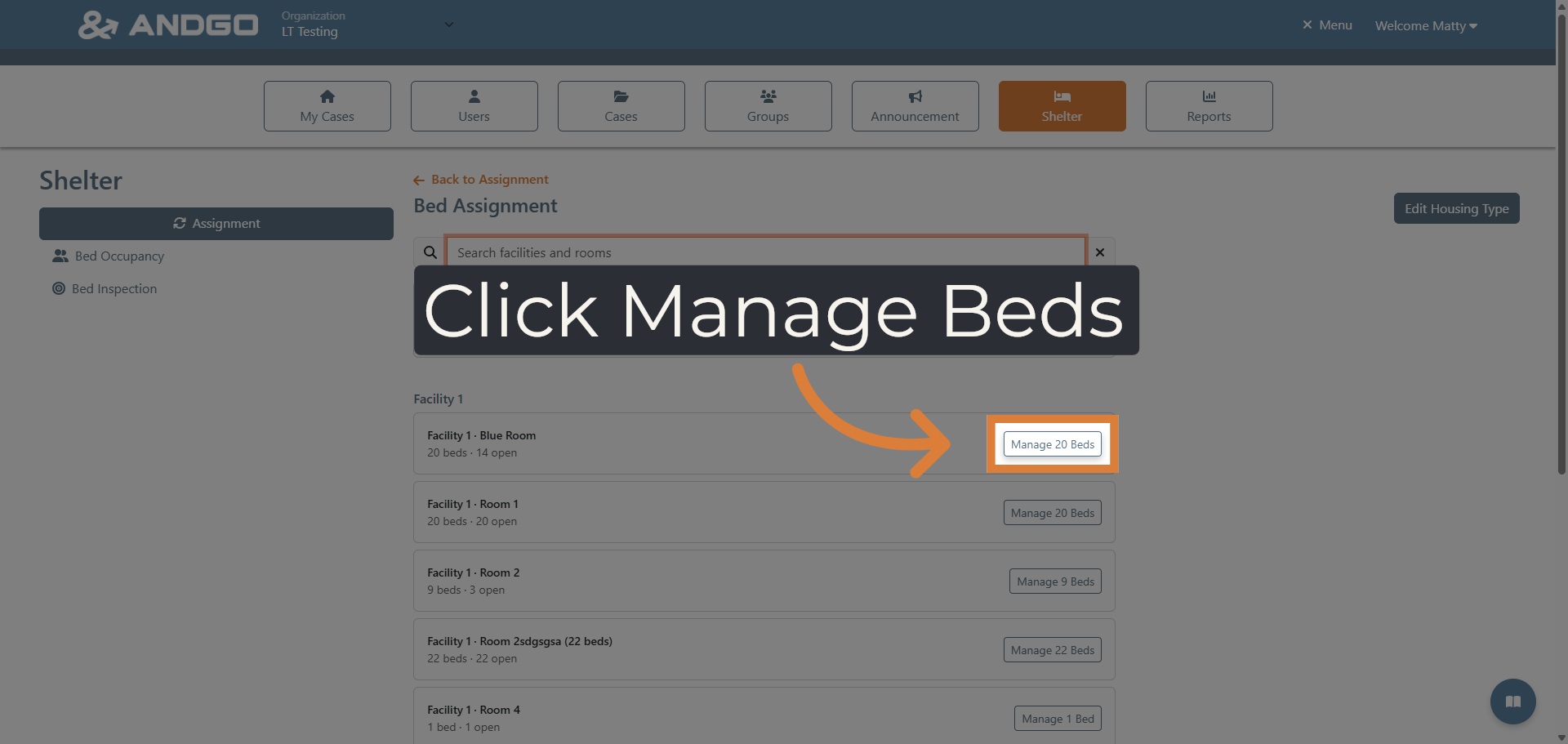
Open the management panel to oversee and adjust the current bed allocations.
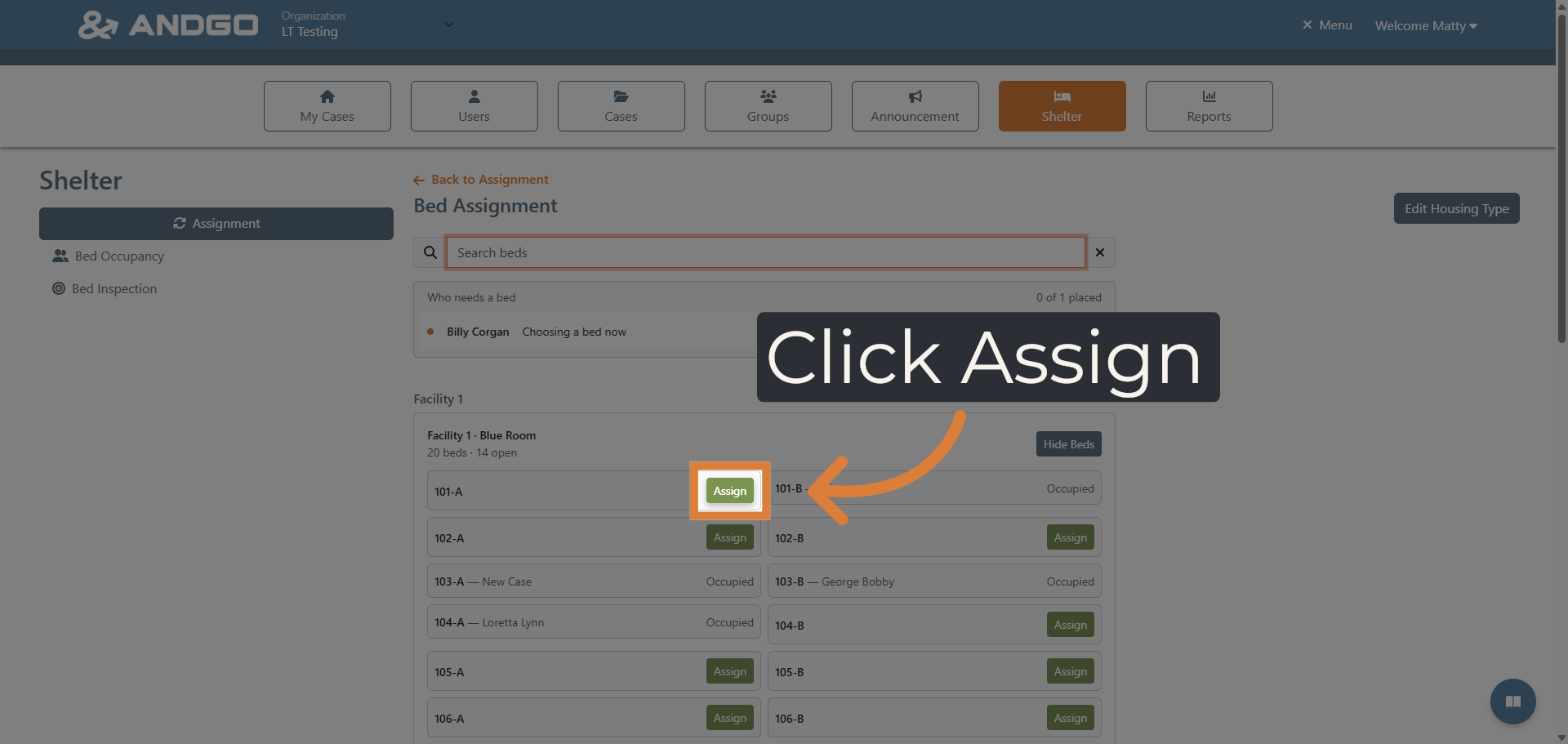
9. Assign Bed to Individual #
Proceed to assign a specific bed to the selected individual to secure their accommodation.
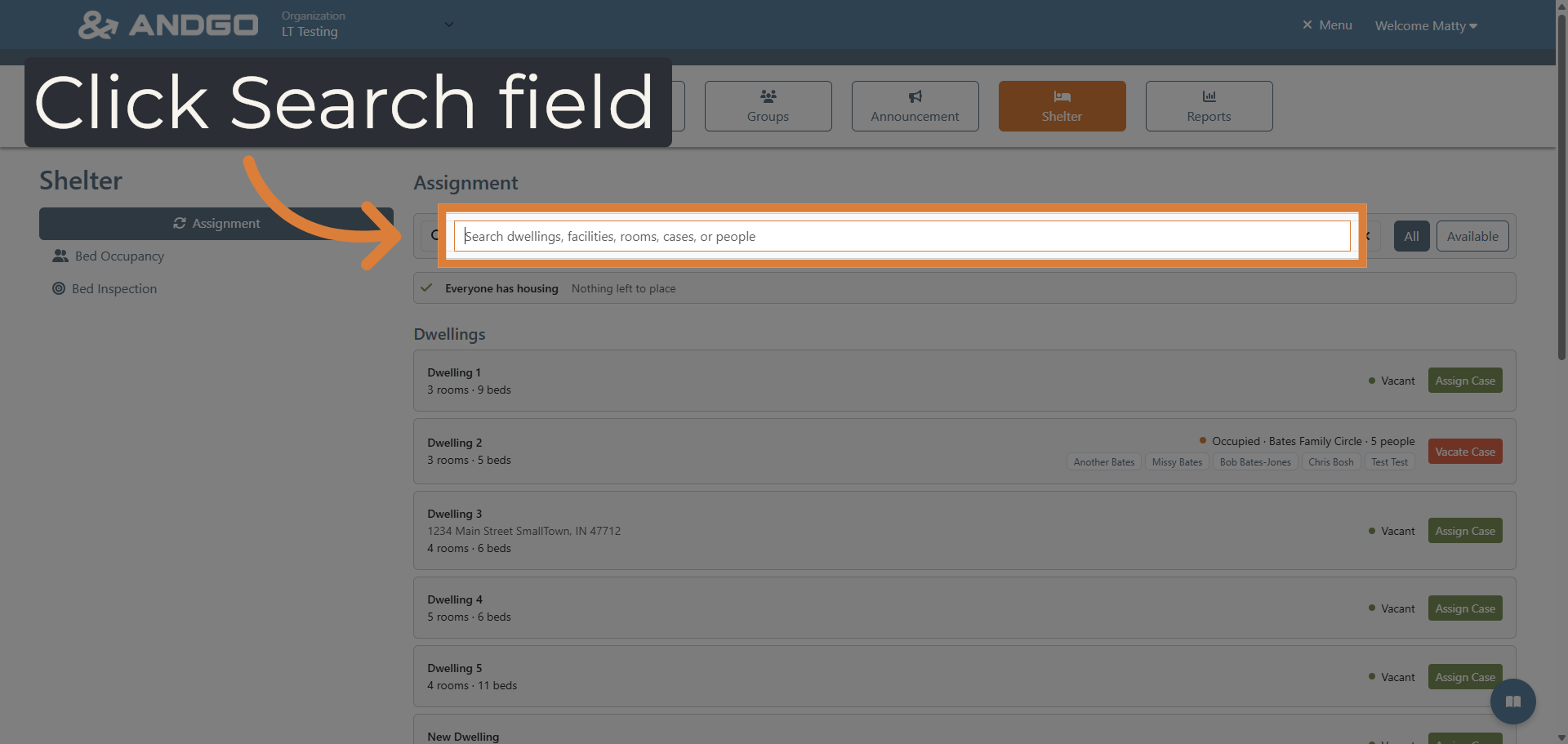
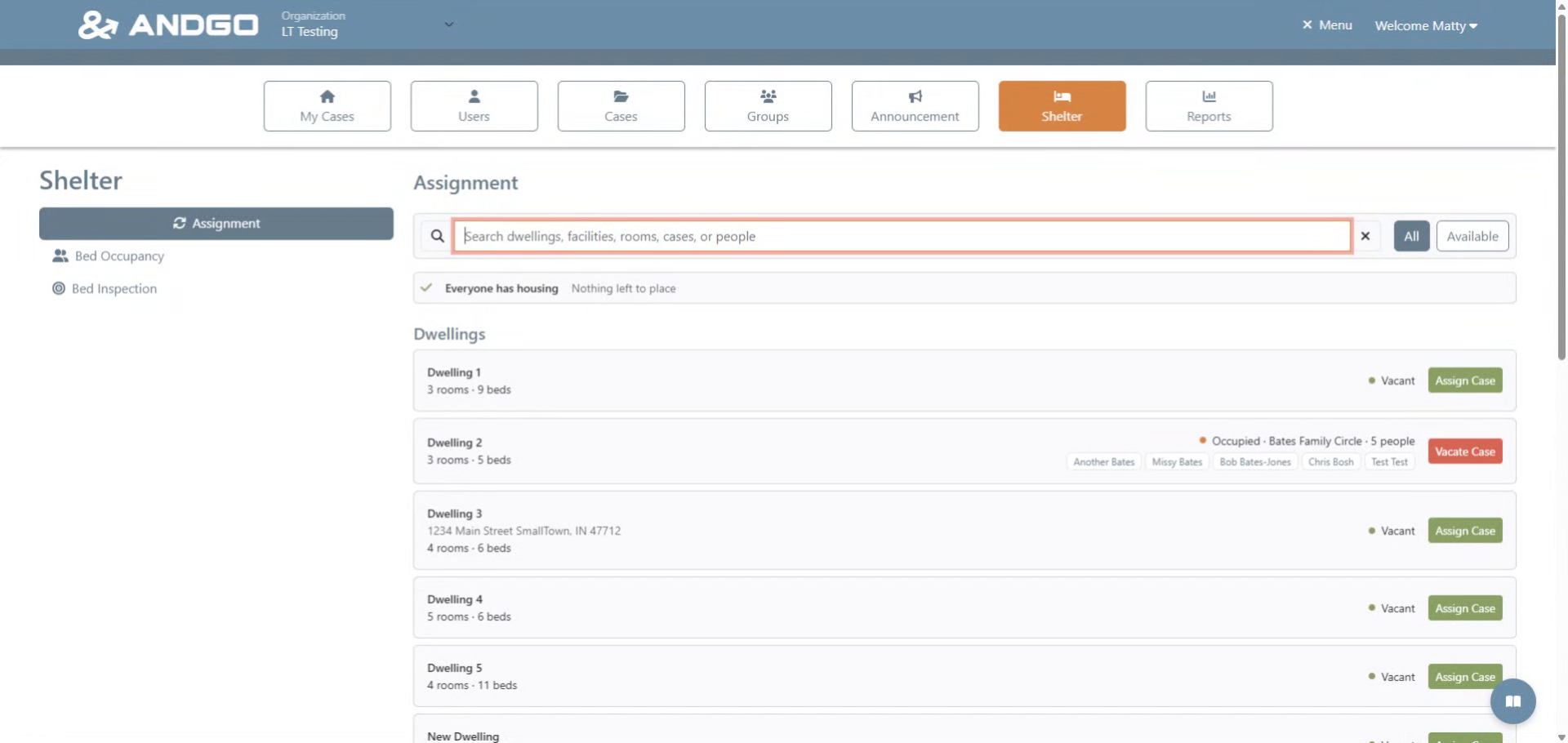
10. Search Housing Records #
Use the search function to find dwellings, facilities, rooms, cases, or people efficiently.
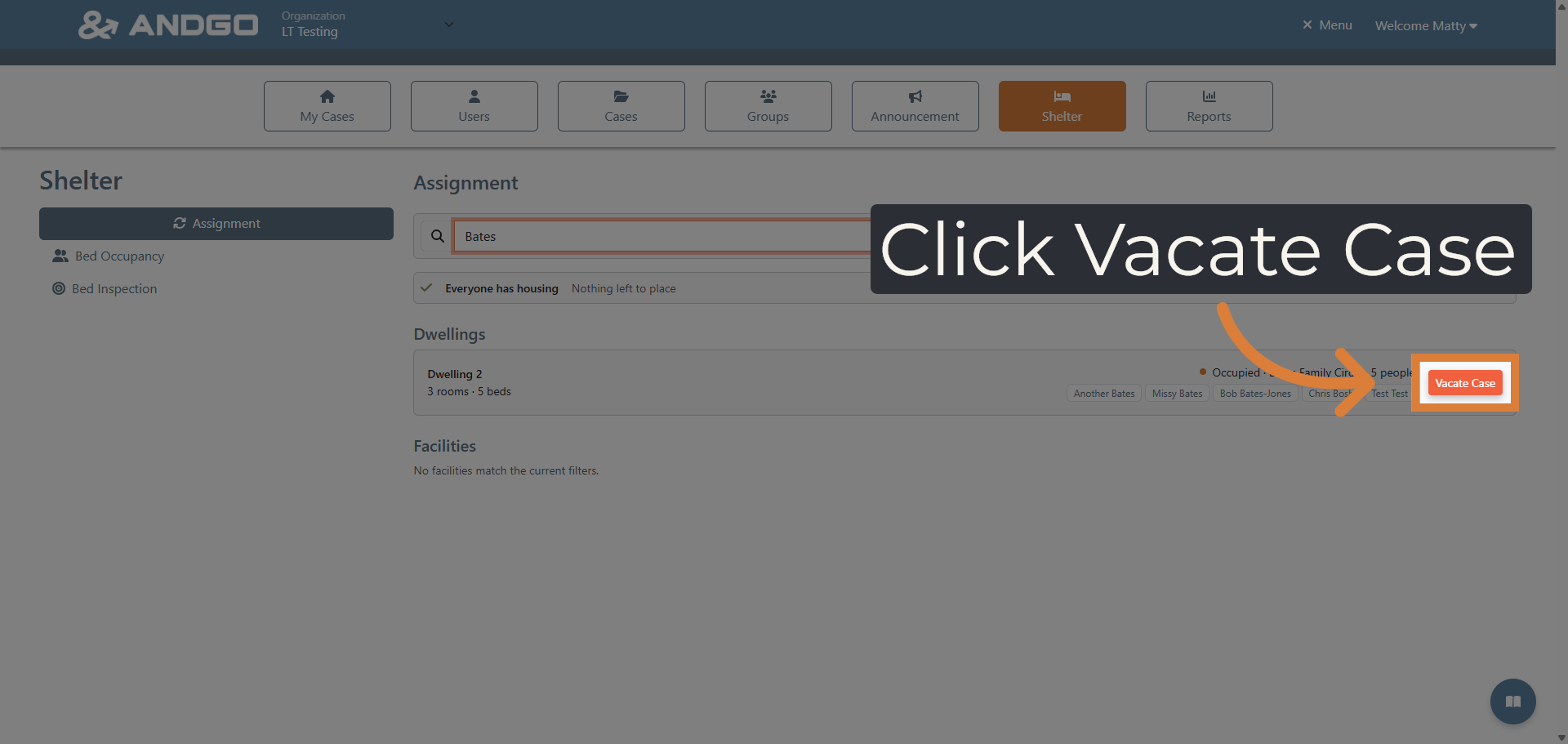
11. Enter Search Criteria #
Input the search term to locate specific housing records or individuals quickly.
12. Initiate Case Vacate #
Begin the process to vacate a case, freeing up the assigned bed for reassignment.
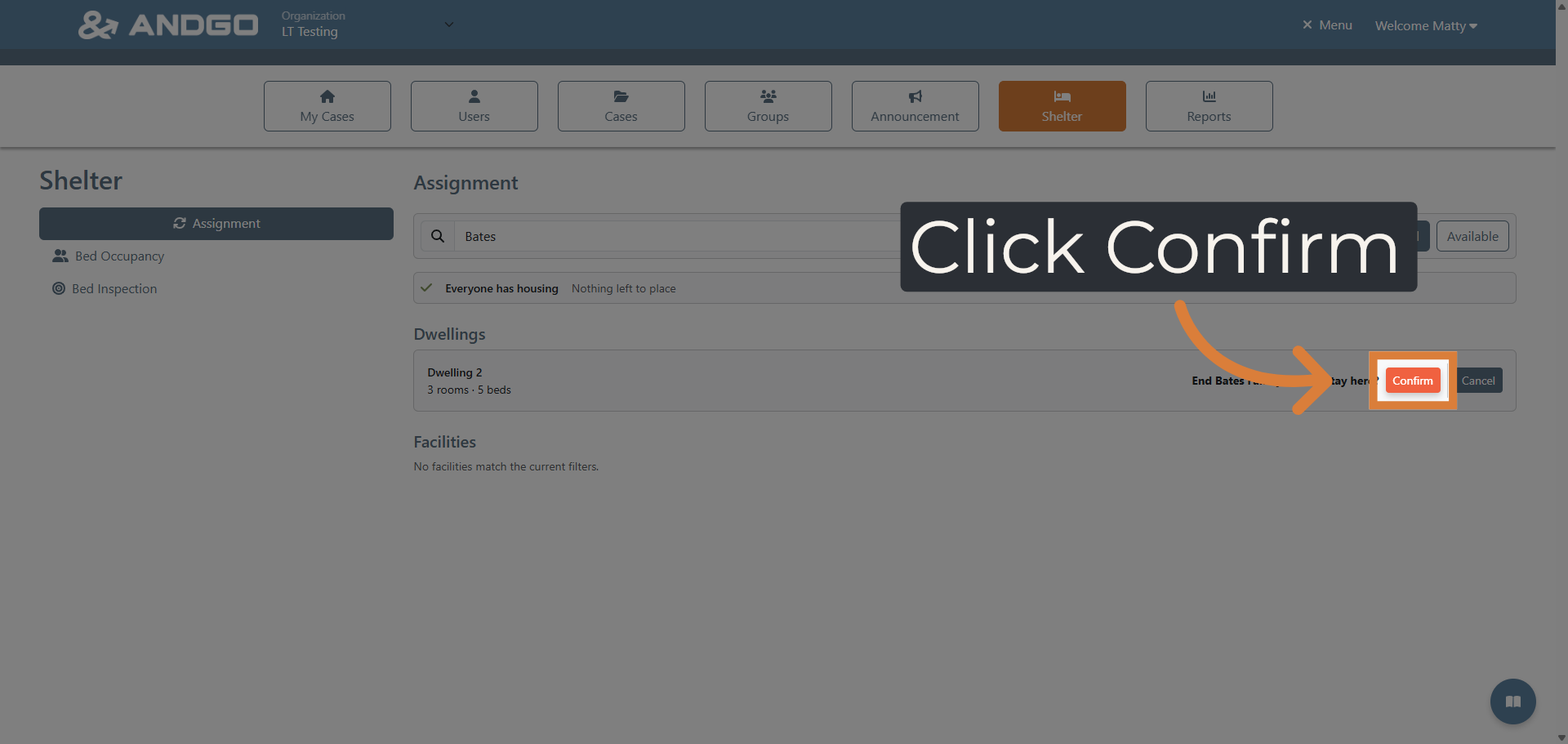
13. Confirm Vacate Action #
Confirm the vacate action to finalize the release of the bed from the current case. This will remove the family and they will need new placement.
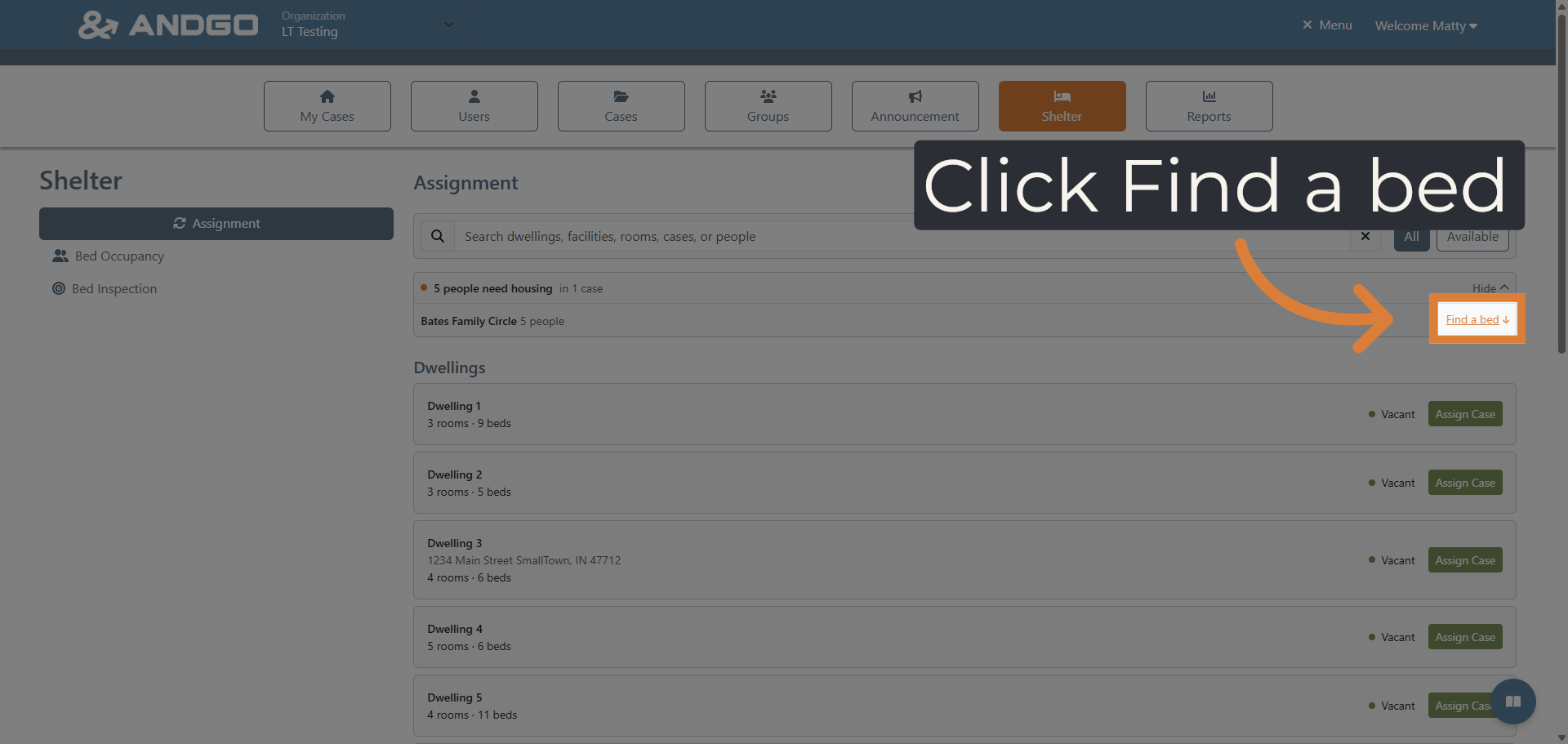
14. Return to Bed Finder #
To find new placement for this family. Navigate back to the bed finder tool to continue searching for suitable accommodations.
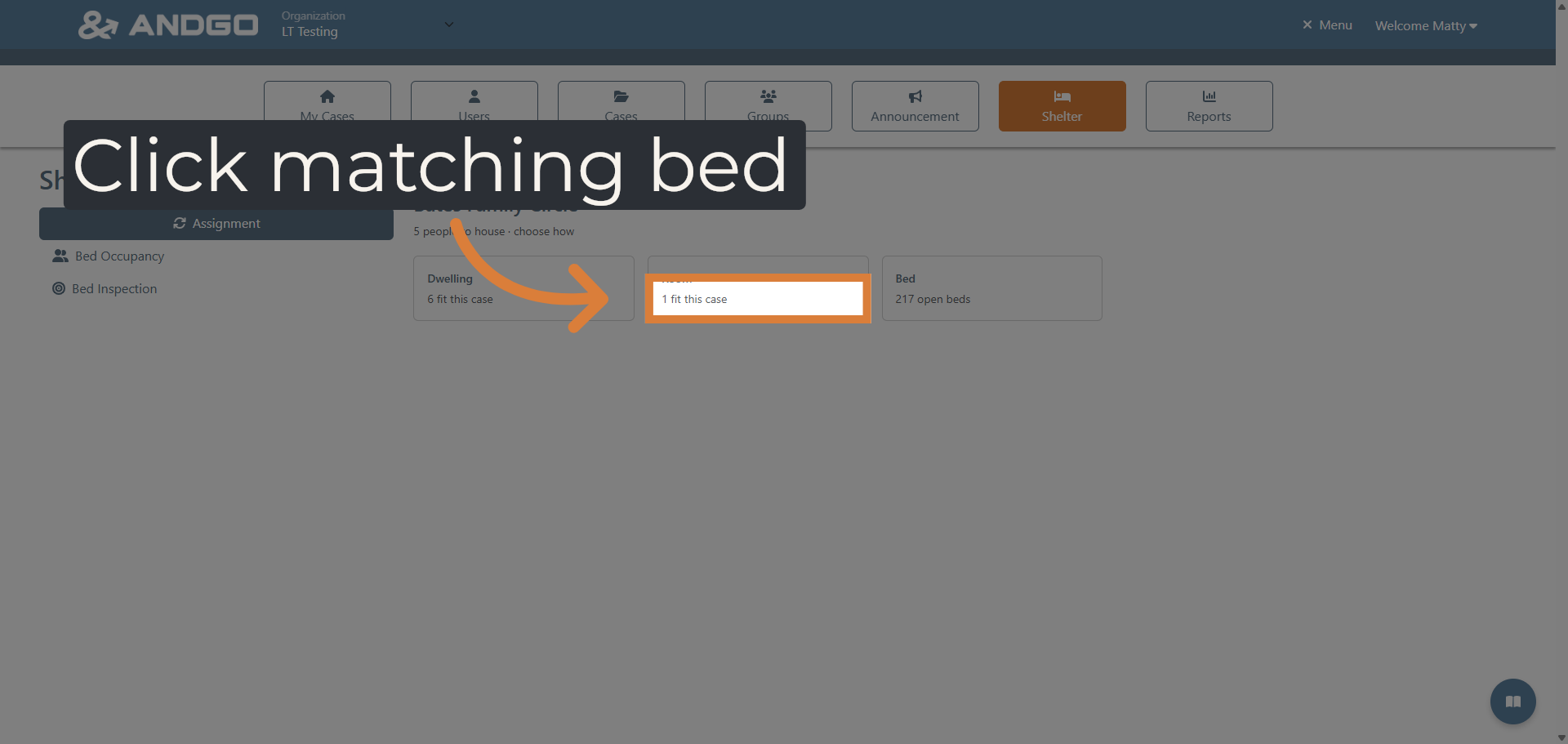
15. Select Matching Bed Option #
This time we want to select room the place the family in one room which also prohibits anyone else being put in that room with them.
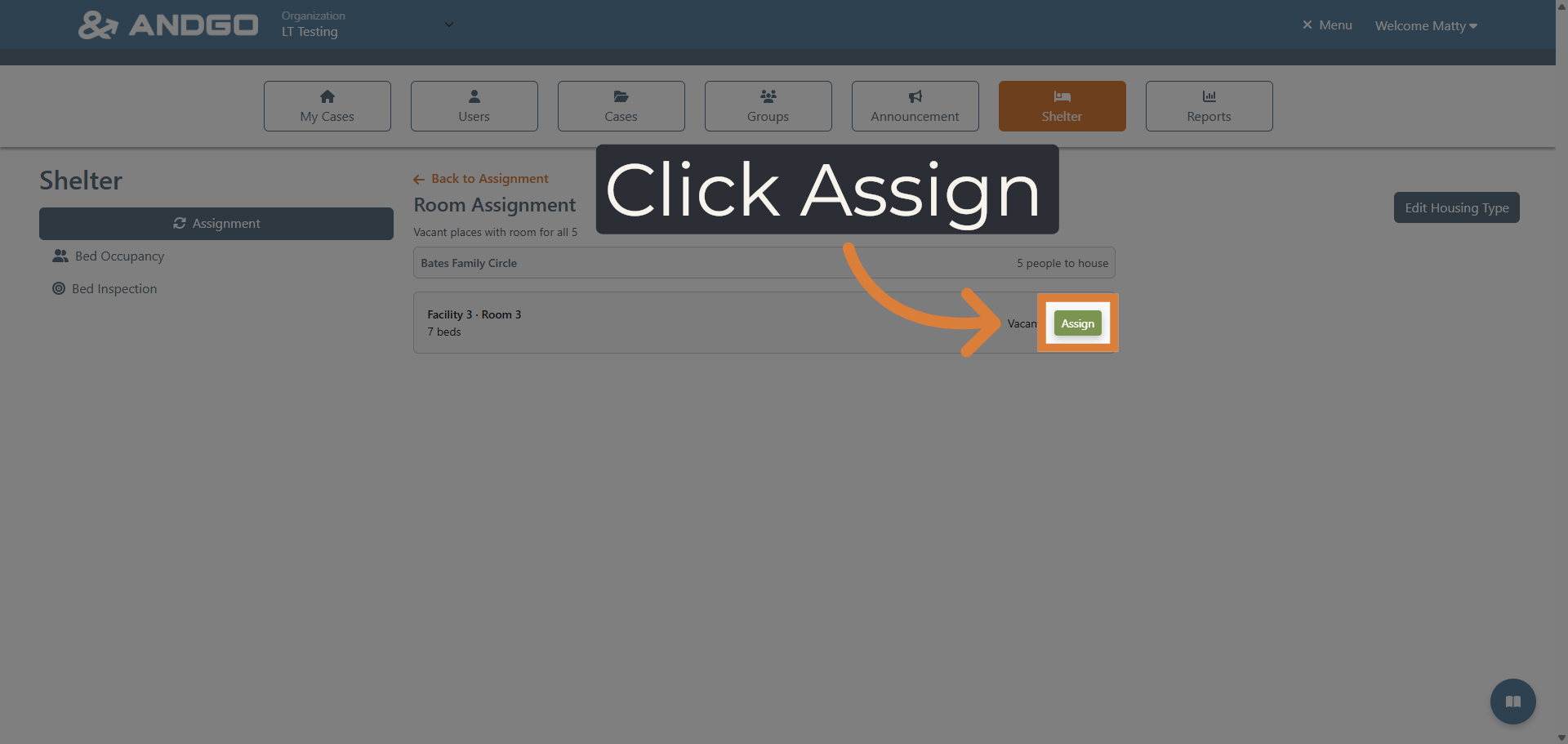
16. Complete Bed Assignment #
Finalize the room assignment to secure housing for the entire family at one time.
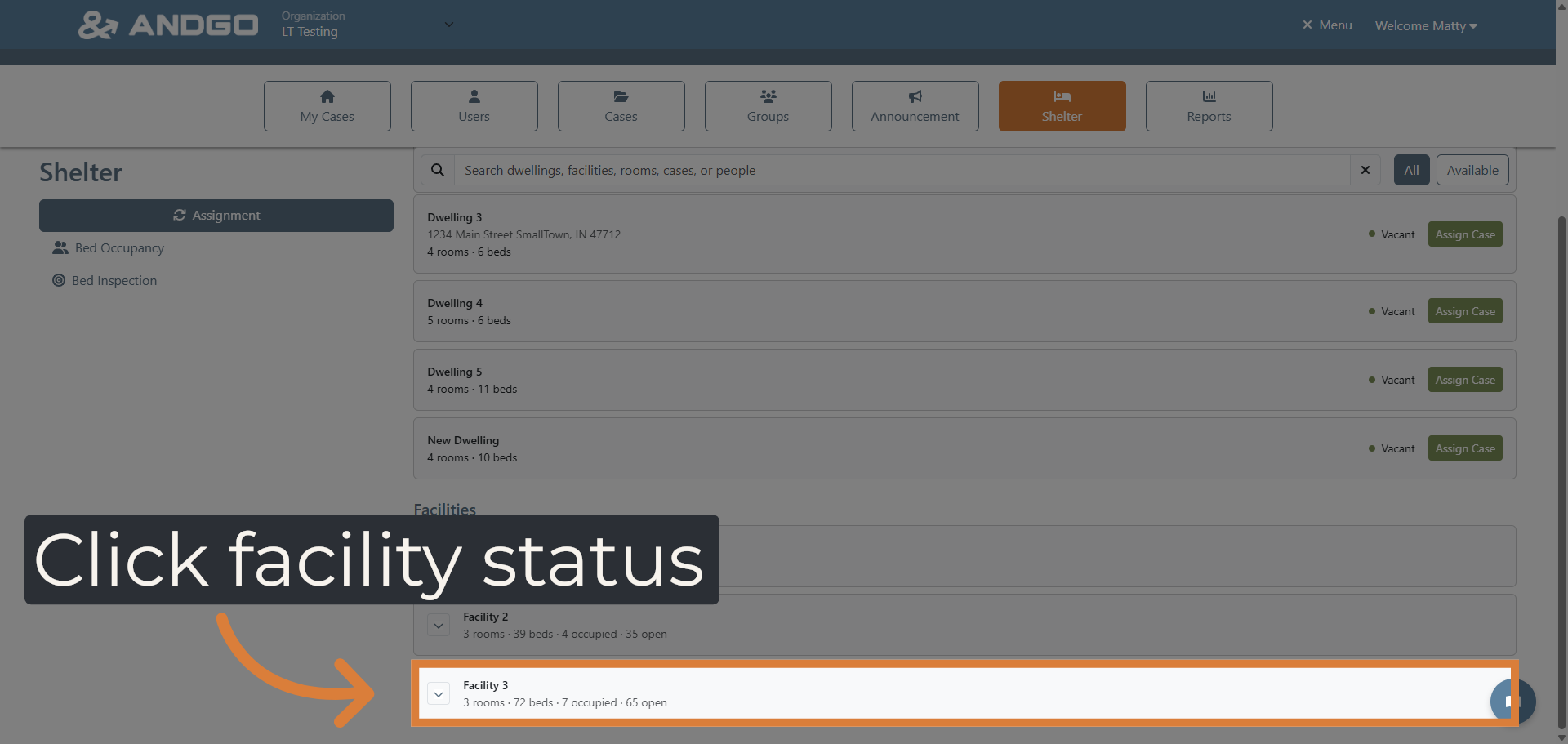
17. View Facility Bed Status #
Click the arrows beside a facility to review the status of rooms and beds within the facility to monitor occupancy and availability.
This tutorial guides you through assigning beds to individuals in need using the AndGo application. By following these steps, you can efficiently manage housing assignments and monitor bed availability.